
Table of Contents
You can build an amazing AI tool for your business today, but a surprise bill will quickly ruin your success. Understanding the open ai api pricing is the best way to keep your profits high while using the latest tech.
Many business owners dive into AI without knowing how costs add up. They build a simple chatbot or a content tool, only to get a shocking invoice at the end of the month. You do not have to let this happen to your business. This guide will explain how the pricing works in simple terms, show you how to calculate your costs, and help you save money.
What is the Open AI API?
Before we look at the costs, we must understand what we are buying. API stands for Application Programming Interface. Think of an API as a digital bridge. It lets your custom software talk directly to OpenAI’s powerful language models. Instead of using the ChatGPT website, your app sends prompts and receives text automatically.
This digital bridge allows you to automate tasks, build custom customer service bots, and write emails instantly. According to data on Statista, thousands of businesses now use these interfaces to boost their daily work. But unlike a flat-rate monthly software subscription, you pay only for what you use. This pay-as-you-go setup makes the open ai api pricing model both highly flexible and slightly complex.
How Does the Token System Work?
OpenAI does not bill you by the hour or by the number of questions you ask. Instead, they bill you by the token. This is the core concept of open ai api pricing.
What is a token? A token is a small piece of a word. The AI does not read whole words. It breaks words down into small character bundles. As a simple rule of thumb, one token is about four characters of English text. This means that 100 tokens equal roughly 75 words. For example, the sentence “AI is amazing” uses about four tokens.
When you send a prompt, OpenAI counts the tokens in your prompt. Then, it counts the tokens in the response it sends back. You pay for both. To keep your costs low, you must learn to write short, clear prompts that get straight to the point.
Decoding the Open AI API Pricing Structure
To understand your bill, you must know that input tokens and output tokens have different prices. Input tokens are the words you send to the AI. This includes your instructions, background data, and questions. Output tokens are the words the AI generates in response.
Why Input and Output Tokens Cost Different Rates
Output tokens always cost more than input tokens. This is because generating new text requires much more computer power than reading existing text. The AI must think about each new word it writes, which takes time and energy. Input tokens are cheap because the system only has to read and memorize them. When planning your budget, always remember that output text will be your biggest expense.
This difference is why smart prompt design is so important. If you ask the AI to write a 2,000-word essay, your cost will be much higher than if you ask it to write a 100-word summary. At OpenAI, prices are always listed per one million tokens. This can make the prices look tiny, but those fractions of a cent add up fast when thousands of customers use your app.
Comparing Open AI API Pricing Across Models
OpenAI offers several different models. Each model has its own speed, intelligence level, and price point. Choosing the right model is the most important business decision you will make here.
If you choose a model that is too powerful, you will waste money on simple tasks. If you choose a model that is too weak, your customers will get poor results. Let us look at the current open ai api pricing for the most popular models.
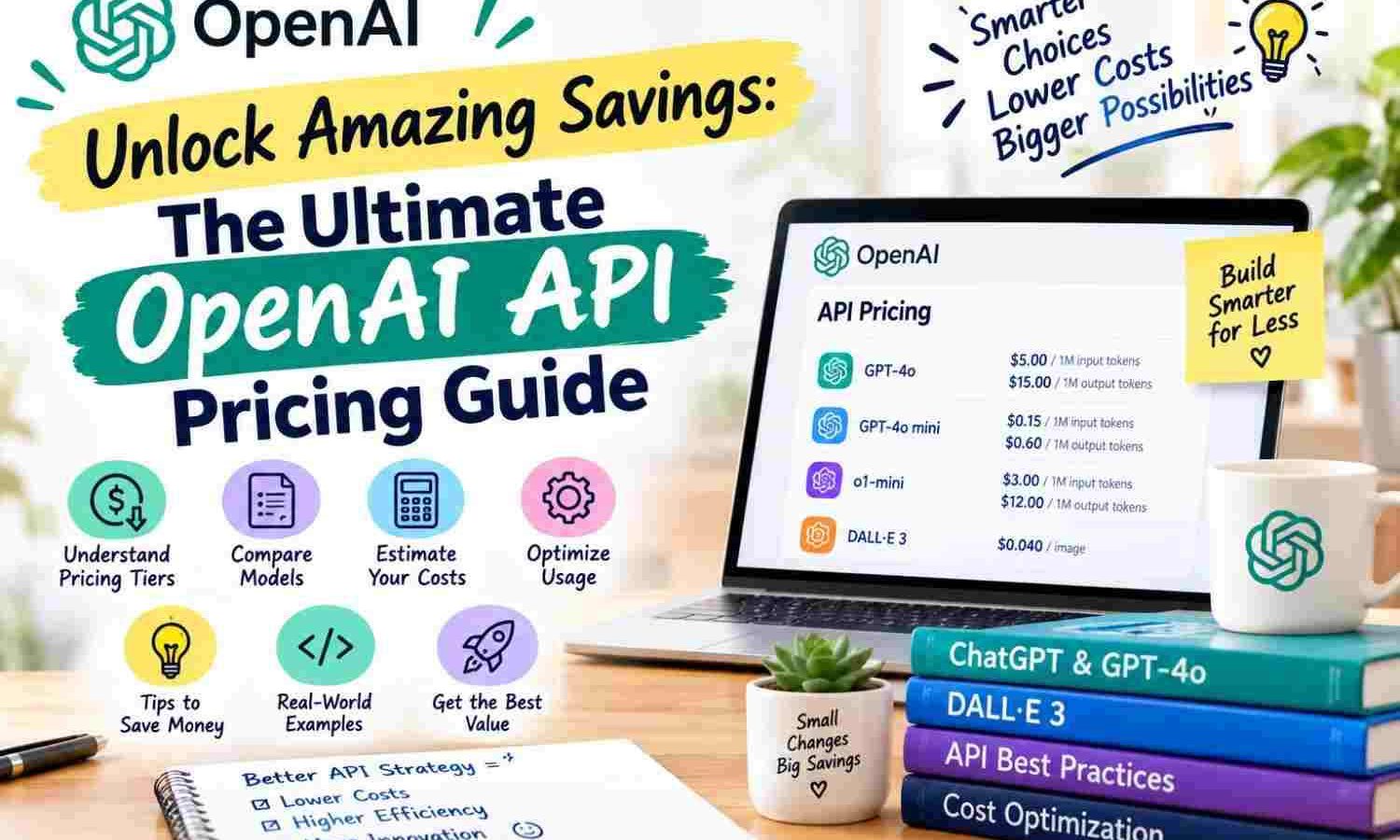
| Model Name | Input Cost (Per 1M Tokens) | Output Cost (Per 1M Tokens) | Best Use Case |
|---|---|---|---|
| GPT-4o | $2.50 | $10.00 | Complex logic, coding, deep analysis |
| GPT-4o mini | $0.150 | $0.600 | Fast, cheap, everyday business tasks |
| o1-preview | $15.00 | $60.00 | Advanced science, math, heavy coding |
| o1-mini | $3.00 | $12.00 | Fast reasoning, STEM tasks |
As you can see, GPT-4o mini is incredibly cheap. It costs a fraction of the price of standard GPT-4o. For most small business tasks, GPT-4o mini is more than smart enough. It can handle email writing, simple customer chat, and basic data entry easily. Our team at Nextgen always suggests starting with GPT-4o mini to keep your initial costs low.
Real-World Cost Scenarios for Small Businesses
Let us look at some practical examples. This will help you see how open ai api pricing translates to real business expenses.
Scenario A: The Customer Support Chatbot
Imagine you run a small online store. You want to build a chatbot that answers customer questions. Each customer interaction uses about 500 input tokens (the customer’s question plus your system instructions) and 200 output tokens (the AI’s helpful answer).
If you use GPT-4o mini:
- Input Cost: 500 tokens * ($0.150 / 1,000,000) = $0.000075
- Output Cost: 200 tokens * ($0.600 / 1,000,000) = $0.000120
- Total Cost Per Chat: $0.000195
This means you can have over 5,000 customer chats for just one single dollar! This is incredibly cheap and offers amazing value for a small business.
Now, let us look at the same chatbot using the advanced GPT-4o model:
- Input Cost: 500 tokens * ($2.50 / 1,000,000) = $0.00125
- Output Cost: 200 tokens * ($10.00 / 1,000,000) = $0.00200
- Total Cost Per Chat: $0.00325
At $0.00325 per chat, 5,000 chats will cost you about $16.25. While still affordable, this is much higher than the mini model. If your bot only answers simple questions like “where is my order,” you do not need to pay the premium for GPT-4o.
Scenario B: The Automated Blog Post Writer
Now, let us say you want to generate weekly blog posts for your marketing site. You feed the AI a long outline, competitor research, and writing style guidelines. This prompt is large, totaling 10,000 input tokens. The AI then writes a detailed 1,500-word article, which equals about 2,000 output tokens.
If you use GPT-4o for this high-quality task:
- Input Cost: 10,000 tokens * ($2.50 / 1,000,000) = $0.025
- Output Cost: 2,000 tokens * ($10.00 / 1,000,000) = $0.020
- Total Cost Per Article: $0.045
Even with the more expensive model, writing a long, high-quality article costs less than five cents. This shows how understanding open ai api pricing helps you choose the best tool for the job. For creative tasks, paying for the smarter model is often worth the extra pennies.
Hidden Fees: Fine-Tuning and Image Generation Costs
The standard model costs are not the only things you should keep in mind. If you want to customize your AI, you might look into fine-tuning. Fine-tuning means training an existing OpenAI model on your custom business data so it learns to speak in your unique brand voice.
Fine-tuning changes your open ai api pricing structure. You will have to pay a one-time training fee based on the size of your training files. After that, you pay a higher rate for every single request you make to your custom model. Usually, hosting and using a fine-tuned model costs about double the price of the standard model. For most small businesses, fine-tuning is not necessary. You can get similar results with good prompt engineering.
There are also separate costs if your app needs to generate images or convert voice to text. OpenAI charges flat rates for these services:
- DALL-E 3 Image Generation: Costs between $0.040 and $0.120 per image, depending on the quality and size.
- Whisper (Speech to Text): Costs $0.006 per minute of audio recorded.
- TTS (Text to Speech): Costs $15.00 per one million characters converted to spoken audio.
Keep these extra tools in mind if you plan to build complex, multi-media systems.
How to Lower Your Open AI API Pricing Expenses
You do not have to accept high bills as a cost of doing business. There are several clear ways to cut your monthly spending without losing quality. Here are our top tips to control your budget.
1. Implement Semantic Caching
Many customers ask the exact same questions. If customer A and customer B both ask “What is your return policy?”, your system should not pay OpenAI twice to generate the same answer. Instead, use semantic caching. This is a system that stores common questions and answers in a local database. When a new question comes in, the system checks the database first. If a similar question exists, it serves the saved answer instantly for free.
2. Limit the Output Length
Since output tokens are expensive, you must set strict limits. You can do this easily in your API call code by setting the “max_tokens” parameter. If you only need a short, one-sentence answer, set your maximum tokens to 50. This stops the AI from rambling and wasting your money.
3. Shorten Your System Prompts
System prompts are the instructions you send with every single API call to guide the AI’s behavior. If your system prompt is 2,000 words long, you pay for those 2,000 words on every single turn of the chat. Keep your instructions tight, clear, and brief. Cut out any fluff or repetitive rules.
4. Set Hard Budget Limits
OpenAI lets you set hard spend limits in your developer dashboard. You can set a soft limit that sends you an email warning when you spend a certain amount. You can also set a hard limit that blocks any further API calls once you reach your monthly budget. This simple step protects you from rogue loops in your code that could run up a massive bill overnight.
How Nextgen Can Help You Build Cost-Effective AI Tools
Building custom AI tools can feel overwhelming. Balancing speed, quality, and cost requires deep technical knowledge. That is where we come in. At Nextgen, we specialize in helping small businesses build smart, affordable AI integrations.
We do not just connect the API and walk away. We design custom caching layers, optimize your prompts, and choose the perfect models to keep your ongoing costs as low as possible. We make sure you get the maximum value out of the open ai api pricing model. Let us handle the technical details so you can focus on growing your business.
Frequently Asked Questions
Is open ai api pricing pay-as-you-go?
Yes, the pricing is fully pay-as-you-go. You do not have to pay a monthly flat fee to use the API. You simply load your account with credits, and OpenAI deducts money based on the exact number of tokens your application processes.
Do I pay for failed API requests?
No, OpenAI does not charge you for failed requests. If their servers go down, or if your request returns an error code, you will not be billed for those tokens. You only pay for successful completions.
Can I use the API for free?
OpenAI sometimes offers a small amount of free credits to new developer accounts. These credits usually expire after a few months. Once you use those initial credits, you must add a credit card to keep using the service.
How do I monitor my daily spend?
You can track your usage in real-time through the usage dashboard in your OpenAI developer account. It shows you exactly how many tokens you have used, which models you used, and your total spend by the hour.
Last updated: August 11, 2026
[Author Bio: Add author name, credentials, and relevant expertise here before publishing.]
Have questions or ready to get started? Get in touch with our team.