
Table of Contents
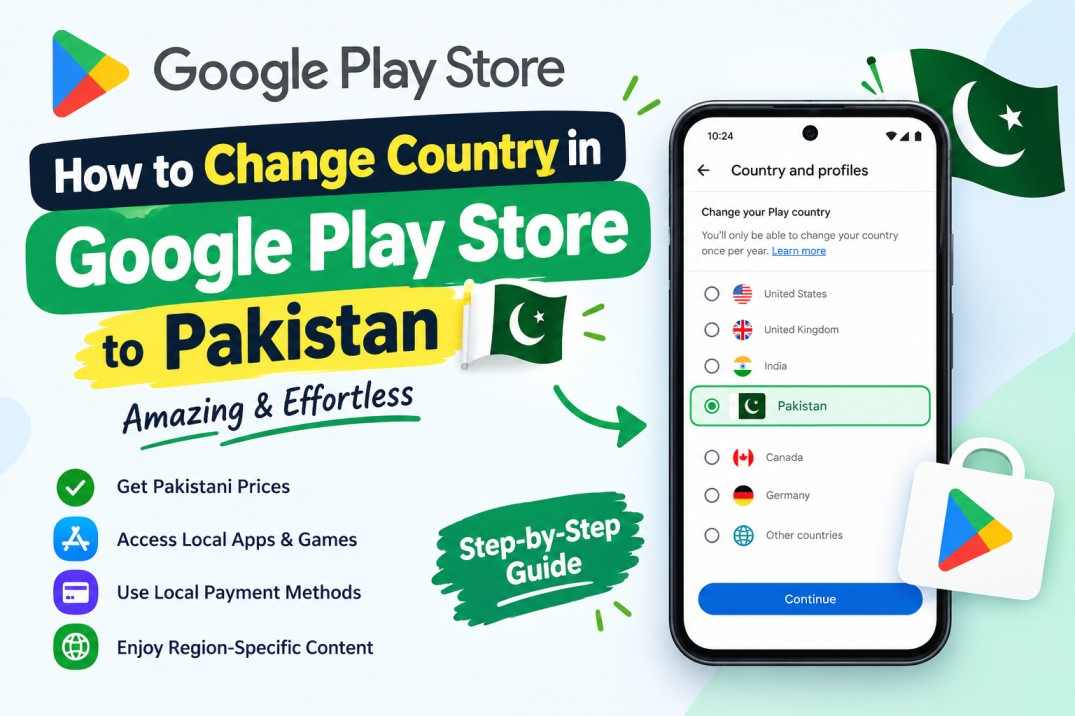
Do you want to learn how to change country in google play store to pakistan? You can finish this simple process in under five minutes. If you moved to Pakistan, knowing how to change country in google play store to pakistan gives you instant access to local apps.
Changing your account region unlocks local banking tools, regional games, and cheap payment methods. Google allows region updates once every 365 days. Therefore, you must follow the correct steps. This guide shows you how to change country in google play store to pakistan without any stress.
Why You Should Switch Your Play Store Region to Pakistan
Many Android users live in Pakistan but keep a foreign Play Store region. This setup causes problems with app downloads and billing. Local financial apps often need a Pakistani Play Store account for installation.
When you switch regions, prices show up in Pakistani Rupees (PKR). Local transactions cost less because you avoid conversion fees. You can also pay for subscriptions with local debit cards.
Setting up your mobile SIM is also important when you move. You can read our easy guide on how to activate Jazz eSIM online in Pakistan to stay online while updating your account.
Prerequisites Before You Change Your Location
You must meet a few basic conditions before you start. Google sets these rules to check where users live.
- You must live in Pakistan or use a local network connection.
- You need a valid local payment card from a Pakistani bank.
- You must not have changed account regions in the last 365 days.
- You must leave any foreign Google Family Group.
Google detects your network location when you open the store app. Once you meet these rules, the option to switch will appear in your app settings.
Step-by-Step Guide: How to Change Country in Google Play Store to Pakistan
Follow these quick steps on your phone. Make sure your internet connection works before you begin how to change country in google play store to pakistan.
Step 1: Open the Google Play Store app on your phone.
Step 2: Tap your profile icon at the top right corner.
Step 3: Tap Settings, then tap General.
Step 4: Tap Account and device preferences.
Step 5: Find the Country and profiles section. If you connect to a local network, you will see the option for Pakistan.
Step 6: Tap Switch to the Pakistan Play Store.
Step 7: Add a local payment method, like a Pakistani debit card.
Step 8: Confirm your choice. The store will update your region profile.
Now you understand how to change country in google play store to pakistan on your Android device. The new store view usually appears within 48 hours.
Creating a New Pakistani Google Payment Profile
Sometimes the Play Store app does not show the switch option automatically. In that case, creating a new payment profile forces the store to update your region. Knowing how to change country in google play store to pakistan through Google Payments saves you time.
Open a web browser and visit the official Google Support page or Google Payments center. Log into the Google account connected to your phone.
Go to the Settings tab in Google Payments. Find the Payments profile section. Click the edit icon next to your current country and select Create new profile.
Select Pakistan as your new country. Type a valid street address for cities like Karachi, Lahore, or Islamabad. Save the profile and set it as primary. Then clear your Play Store app cache and reopen the store app.
Rules and Restrictions You Must Know
Google enforces strict rules on country updates. Knowing these rules protects your account balance and app library.
You can change your Play Store region only once every 365 days. Once you switch, you cannot change back for a full year. Spend any remaining store balance before you switch because foreign credits will not transfer. However, your old purchased apps stay in your account library.
App Usage Statistics in Pakistan
The table below shows key statistics about app growth and play store usage in Pakistan.
| Metric | Statistic Data | Key Details |
|---|---|---|
| Annual App Download Growth | 15% Increase | Based on regional industry data |
| Primary Currency | PKR | Lower transaction and foreign exchange fees |
| Region Change Cooldown | 365 Days | Strict limit set by Google Play |
| Popular App Types | Banking & Wallet Apps | Requires local Play Store profile |
Data from market studies on Statista shows that mobile app adoption in South Asia keeps growing rapidly. Accessing the local store ensures you get localized app releases and regional discounts.
Troubleshooting Common Errors During the Switch
Users sometimes face minor bugs when learning how to change country in google play store to pakistan. Here is how you can solve those issues fast.
Option to Change Country Is Missing
If the country option does not show up, check your mobile network. You must connect to Wi-Fi or mobile data inside Pakistan. You can also clear the Play Store app cache in Android settings and check again.
Payment Card Declined
Your local bank card must support online billing. Call your bank helpline to turn on online shopping on your card if the payment fails.
Family Group Block
You cannot switch store regions while linked to a foreign Google Family Group. Leave the family group first, update your country, and then make a new local group.
Enjoy Localized Apps and Hardware
Updating your location gives you access to food delivery apps, ride-sharing platforms, and smart home apps. Learning how to change country in google play store to pakistan makes managing your daily tech easier.
If you like smart home gear, check our review on the best smart WiFi switch for Alexa and Google Home in Pakistan to build your automated home setup.
Online creators also benefit from correct region settings. Read our guide on how to earn money with TikTok Creativity Program in Pakistan to grow your digital income.
Summary of How to Change Country in Google Play Store to Pakistan
Updating your app store location gives you cheap prices and local banking apps. The entire process takes just a few minutes on your mobile device.
Make sure to spend your foreign Play Store credits before switching. Once you complete the steps on how to change country in google play store to pakistan, you can enjoy all local apps without restrictions.
Frequently Asked Questions
How often can I change my Play Store country?
You can change your Google Play Store region once every 365 days.
Will I lose my installed apps if I switch to Pakistan?
No, you will keep all your installed apps and purchased games in your library.
Why is the Pakistan option missing in my settings?
This happens if you changed regions recently or connect through a foreign IP address.
Can I use mobile wallets on Google Play?
You can use debit cards issued by local banks linked to your mobile wallets.
Last updated: October 17, 2026
Written by Bilawal Qureshi (Software developer and Ai expert).
Have questions or ready to get started? Get in touch with our team or chat with us on WhatsApp.