
Table of Contents
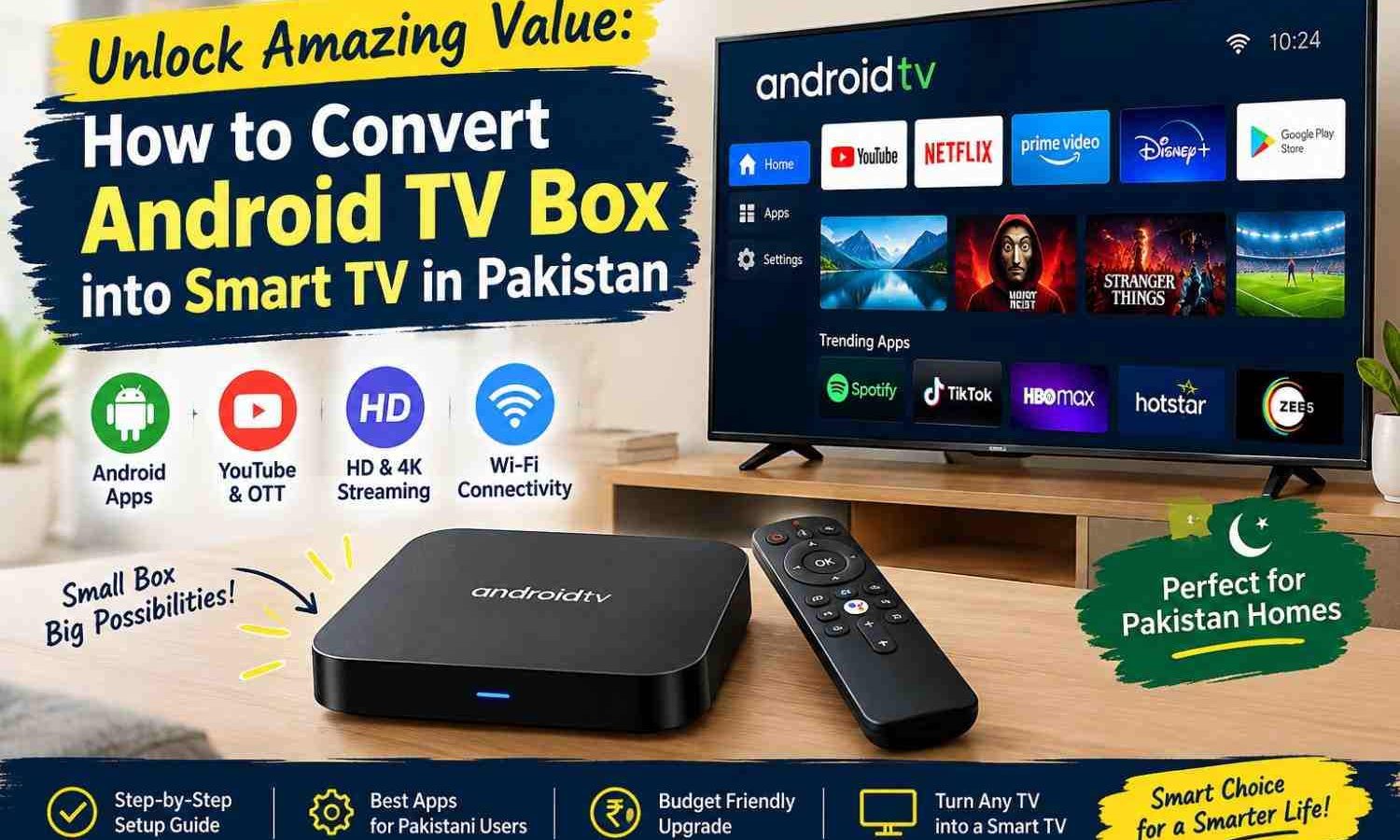
You can upgrade your office waiting room or home TV easily. You do not need to spend a lot of money on a new screen. This simple guide shows you exactly how to do it using cheap hardware. You do not need to be a tech genius. With just a few cheap cables and a small media player, you can transform any basic monitor or old television. This allows you to stream videos, show digital ads, or keep your clients happy.
Many retail shops and small offices waste thousands of rupees buying expensive smart TVs. However, you can get the exact same results with a standard screen and a media box. We will walk you through the entire process. You will learn what hardware to buy, how to plug everything in, and how to set up the software. Let us look at the easiest way to upgrade your display setup today.
What is an Android TV Box?
An Android TV box is a small device. It runs on the Android operating system. It connects to your standard TV. It lets you run apps, play games, and stream movies. Think of it as a small computer built for your TV screen. In Pakistan, these devices are easy to find in local electronics markets. You can buy them at Hall Road in Lahore or Saddar in Karachi. They offer a cheap way to get modern smart features.
If you are trying to find out how to convert android tv box into smart tv in pakistan, it helps to first understand the device. These boxes come in many shapes and sizes. Popular brands include Xiaomi Mi Box, Google Chromecast, and cheap budget options like the MXQ Pro. If you want to buy one, make sure you get an original device. Fake items are common in local markets. You can learn how to check original or clone phone in Pakistan to avoid getting scammed. Knowing how to spot real hardware will save you a lot of trouble.
Why You Should Learn How to Convert Android TV Box into Smart TV in Pakistan
Using an Android media player is cheap for small business owners. Buying a brand-new smart TV from brands like Samsung or Sony can cost over eighty thousand rupees. In contrast, a good media box costs very little. Many business owners ask how to convert android tv box into smart tv in pakistan to save money. By reusing old monitors, you keep cash in your business while still enjoying modern features.
These media boxes also offer better software updates than cheap smart TVs. Budget smart televisions often stop getting updates after a single year. An Android TV box gives you access to the official Google Play Store. This means you can download the latest versions of YouTube, Netflix, and local Pakistani apps like Tamasha or Tapmad. It gives you complete control over your screen.
Let us look at some statistics on the cost benefits of this method. The table below compares the typical costs of buying a new smart TV versus upgrading an existing screen in Pakistan.
| Option Type | Average Cost (PKR) | Key Benefit | Lifespan / Updates |
|---|---|---|---|
| New Brand Smart TV | 80,000 – 150,000 | Single Remote Control | Limited Updates |
| Budget Smart TV | 45,000 – 70,000 | Low Initial Cost | No Software Updates |
| Android TV Box Upgrade | 6,000 – 12,000 | Very Cheap Setup | Regular Play Store Updates |
Before we look at how to convert android tv box into smart tv in pakistan, let us look at the potential savings. As shown in the table, upgrading your current TV can save you more than fifty thousand rupees. This is a massive saving for a small startup or local shop. You can use those saved funds to improve your business website or run online ad campaigns. For example, investing in professional custom website development can grow your brand much faster than a fancy television would.
Hardware Requirements for the Setup
To start the setup, you need a few basic tools. First, you need an Android TV box. We recommend choosing a device with at least two gigabytes of RAM. This ensures the device runs smoothly without lagging. You also need a standard TV with an HDMI port. HDMI is the standard port for modern video and audio. You can learn more about HDMI standards on Wikipedia.
Getting the right parts is the first step when you want to know how to convert android tv box into smart tv in pakistan. If you have an old TV with no HDMI port, do not worry. You can buy a cheap AV adapter. AV adapters convert the red, white, and yellow cables into an HDMI signal. You will also need a stable internet connection. In Pakistan, a broadband connection from Nayatel, PTCL, or StormFiber works best. You can also use a 4G Wi-Fi device or your mobile hotspot to connect.
Step-by-Step: How to Convert Android TV Box into Smart TV in Pakistan
Once you have your box, learning how to convert android tv box into smart tv in pakistan takes less than ten minutes. Follow these simple steps to get your system running.
First, unpack your device and plug the power adapter into the wall. Connect one end of the HDMI cable to the media box. Plug the other end into an open HDMI port on your TV. If your TV has multiple ports, note the number next to the port. It will usually say HDMI 1 or HDMI 2.
Second, turn on your TV and your media box. Grab your TV remote and press the source button. This button might also be called input on some remotes. Select the HDMI port that matches where you plugged in the media box. You should see the Android loading screen appear on your TV.
Third, set up your internet settings. Use the remote that came with your media box to open the settings. It usually looks like a small gear in the top right corner. Select network settings and search for your Wi-Fi network. Enter your password and connect.
Fourth, sign in with your Google account. The system will ask you to log in to access the Google Play Store. If you do not have a Google account, you can create one on Google for free. Once logged in, you can download any application you need.
The primary goal when you learn how to convert android tv box into smart tv in pakistan is to access local and global content. Open the Play Store and search for popular Pakistani streaming apps. We highly recommend installing Tamasha, Tapmad, and Urduflix. These apps offer live cricket, local dramas, and news channels. You can also install global apps like YouTube and Netflix.
Choosing the Right Android TV Box in Pakistan
Not all media boxes are the same. You must be careful when spending your money in local markets. Some cheap boxes run a modified mobile version of Android instead of official Android TV. Mobile Android is made for touch screens. This makes it very hard to use with a simple remote control.
When you are learning how to convert android tv box into smart tv in pakistan, choosing the right hardware is key. Look for devices that have official Google certification. A certified device will have the Google Assistant logo on the box. It will also support high-definition streaming on Netflix. Non-certified boxes often play Netflix videos in low quality.
Consider these recommended models available in local Pakistani markets:
- Xiaomi Mi Box S (Highly recommended for stability)
- Realme Smart TV Stick (Great for hidden setup behind the TV)
- MXQ Pro 4K (Good for absolute budget buyers)
- Google Chromecast with Google TV (Best user interface and speed)
They might cost a bit more, but they save you from daily tech problems.
Practical Applications for Small Businesses in Pakistan
If you run a local office, knowing how to convert android tv box into smart tv in pakistan can help you display promotional slides. You can hang a cheap TV on your waiting room wall and plug in a media box. Use a free app like Google Slides to play a loop of your services, client reviews, and business hours. This looks professional and builds trust with your clients.
Restaurants can also benefit from this setup. You can use the media box as a digital menu board. This allows you to update your food prices and menu items instantly. You do not need to print new paper menus anymore. You can use free web design tools to create your menu and show it on the screen. It makes your restaurant look like a premium brand.
Essential Settings and Optimization Tips
To get the best performance, you should adjust a few internal settings. Go to the display settings on your media box and match the resolution to your TV. If you have a standard 1080p TV, set the output to 1080p at 60Hz. This ensures the picture looks sharp and motion looks smooth.
You should also clear the app cache regularly. Media boxes have limited storage space, usually eight or sixteen gigabytes. Over time, apps like YouTube collect temporary files that slow down the system. Clearing the cache once a month keeps the device running fast. You can find this option under the storage section in your settings.
Keeping Your Device Secure
Since your media box is connected to the internet, you must keep it secure. Only download apps from the official Google Play Store. Do not install unknown files from third-party websites. These files, known as APKs, can sometimes contain malware that steals your personal info.
Also, make sure you log out of your Google account if you plan to sell or gift the device. It is easy to forget this step. This exposes your private emails and passwords. Always do a factory reset before letting anyone else use your media player. This wipes all your data and restores the device to its original state.
Troubleshooting Common Issues
If you want to know how to convert android tv box into smart tv in pakistan but your screen remains black, check your input source. Make sure the TV is set to the correct HDMI channel. You should also check if the power light on the box is on. If the light is off, try using a different wall outlet or power cable.
Sometimes the audio might not work. If you hear no sound, go to the audio settings on the media box. Change the digital audio output format to PCM. This is a universal audio format that works on almost every TV. If you face slow streaming, try moving your Wi-Fi router closer to the TV or connect using an Ethernet cable.
By following these simple steps, you now know how to convert android tv box into smart tv in pakistan without breaking the bank. It is an easy DIY project that brings massive value to your home or business.
Frequently Asked Questions
Can I learn how to convert android tv box into smart tv in pakistan using an old CRT television?
Yes, you can. You will need to buy an HDMI to AV converter from a local market. Plug the HDMI cable from the media box into the converter. Then run the red, yellow, and white AV cables from the converter to your old TV. This allows you to run smart apps even on very old television sets.
Is it expensive to learn how to convert android tv box into smart tv in pakistan?
No, it is highly affordable. A basic, reliable Android TV box costs between six thousand and twelve thousand Pakistani rupees. This is much cheaper than buying a brand-new smart TV, which can cost upwards of fifty thousand rupees.
Can I watch free local channels on my upgraded TV box?
Yes, you can watch many free channels. You can download official Pakistani apps like Tamasha or Tapmad from the Google Play Store. These apps offer free access to live sports, news channels, and local dramas without any monthly subscription fees.
Do I need a fast internet connection to use an Android TV box?
A standard internet connection of at least 10 Mbps is recommended for smooth streaming. If you want to stream videos in high definition (1080p), ensure your connection is stable. Heavy usage from other devices on the same network might cause buffering.
Is it legal to use these media boxes in Pakistan?
Yes, using Android TV boxes is completely legal in Pakistan. However, you should only use them to watch content through official, legal streaming applications. Avoid using unofficial apps that stream pirated movies or channels illegally.
Last updated: September 21, 2026
Written by Bilawal Qureshi (Software Developer and AI Expert).
Have questions or ready to get started? Get in touch with our team or chat with us on WhatsApp.