
If you run a restaurant, your POS isn’t just a cash register anymore — it’s the system your entire service runs on. A good restaurant POS speeds up billing, keeps your kitchen and floor in sync, and gives you visibility into what’s actually happening in your business. A bad one slows down every ticket, hides your real costs, and frustrates the staff who have to fight it every shift.
This guide breaks down what a restaurant POS actually needs to do, the features worth prioritizing, and how to evaluate your options — including a look at Swift Restaurant POS, built specifically around the day-to-day realities of running a restaurant floor.
What Is a Restaurant POS?
A restaurant POS (point of sale) system is the software and hardware combination that handles order taking, billing, and payment at your restaurant. Beyond the basic transaction, most modern restaurant POS systems also help manage:
- Billing and payment processing
- Staff shifts and access levels
- Inventory and day-to-day expenses
- Multi-device operation across the floor
- Sales and performance reporting
The best restaurant POS systems are the ones that disappear into the background of service — fast enough that staff barely think about them, and reliable enough that you never worry about them during a rush.
Core Features Every Restaurant POS Should Have
Before comparing specific products, it helps to know what actually matters. These are the features that separate a POS that helps your operation from one that just processes payments.
1. Fast, Reliable POS Billing
Billing speed directly affects table turnover and customer experience. Your POS should let staff generate and split bills quickly, apply discounts or taxes correctly, and support the payment methods your customers actually use — cash, card, and digital wallets — without extra steps or lag at the counter.
2. Multiple Shift Management
Restaurants rarely run on a single shift, and your POS should reflect that. Support for multiple shifts means each shift’s sales, cash handling, and staff activity are tracked separately, which makes end-of-day reconciliation far less painful and gives you a clearer picture of performance across different times of day.
3. Multi-Device Support
A single terminal at the counter isn’t enough for most restaurants today. Whether it’s a tablet for tableside ordering, a second billing counter, or a manager checking reports from a phone, your POS needs to work seamlessly across multiple devices without creating sync issues or duplicate orders.
4. Inventory and Expense Tracking
Food cost is one of the biggest levers on restaurant profitability, and it’s hard to control what you’re not tracking. A restaurant POS with built-in inventory and expense management lets you see stock levels in real time, catch waste and shrinkage earlier, and understand your actual costs — not just your sales.
5. Role-Based User Access
Not everyone on your team needs the same access. A waiter taking orders, a manager approving discounts, and an admin reviewing financials all need different views into the system. Proper user roles (admin, manager, waiter, etc.) protect sensitive data, reduce errors, and make accountability much easier when something doesn’t add up.
Spotlight: Swift Restaurant POS
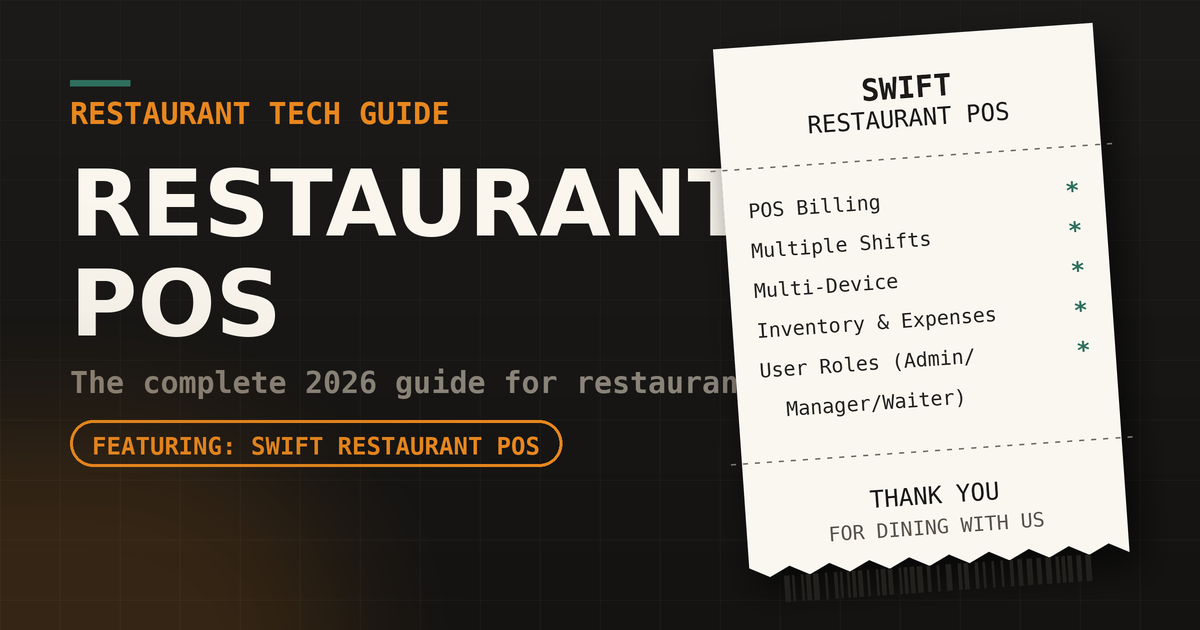
Swift Restaurant POS is built around exactly these fundamentals — the day-to-day features restaurants actually rely on, without unnecessary complexity layered on top.
Key features include:
- POS Billing — Fast, straightforward billing built for real service speed, so staff can move through orders and payments without friction at the counter.
- Multiple Shifts — Track sales and cash handling separately across shifts, making end-of-day reconciliation and shift-level performance tracking simple.
- Multi-Device Support — Run the system across counters, tablets, and additional terminals without losing sync, so your setup can grow with your floor plan.
- Inventory and Expenses — Keep stock levels and day-to-day expenses visible in one place, so food cost stays a number you manage rather than one you discover at month-end.
- User Roles (Admin, Manager, Waiter) — Give each team member exactly the access they need, with clear separation between front-line staff, management, and admin-level control.
For restaurants that want a POS focused on getting the core operational basics right — billing, shifts, inventory, and access control — without paying for a bloated feature set you’ll never use, Swift Restaurant POS is worth putting on your shortlist.
How to Choose the Right Restaurant POS
Once you’ve narrowed down a few options, run each one through this checklist:
- Does it handle your billing speed needs at peak hours? Test it during a simulated rush, not just a quiet demo.
- Can it track multiple shifts cleanly? Ask to see an actual shift report, not just a feature list.
- Will it scale across the devices you actually use? Confirm compatibility with your existing tablets, terminals, or phones.
- Does it give you real inventory and expense visibility? A POS that only tracks sales is only telling you half the story.
- Can you control access by role? Make sure admin, manager, and staff-level permissions are genuinely separate, not just labeled differently.
- What’s the total cost? Add software, hardware, and any per-transaction fees together before comparing prices across vendors.
Frequently Asked Questions
What is a restaurant POS system? A restaurant POS system is software (often paired with dedicated hardware) that handles billing, order management, and — in more complete systems — inventory, shift tracking, and staff access across a restaurant’s operations.
What features should a restaurant POS have? At minimum, look for fast POS billing, support for multiple shifts, multi-device compatibility, inventory and expense tracking, and role-based user access for admins, managers, and waitstaff.
Is Swift Restaurant POS good for small restaurants? Swift Restaurant POS is built around core operational features — billing, shifts, inventory, and role-based access — which makes it a strong fit for restaurants that want reliable day-to-day functionality without an overly complex setup.
How much does a restaurant POS system cost? Costs vary widely depending on features, hardware needs, and payment processing fees. It’s worth requesting a direct quote and comparing total cost, not just the advertised starting price, across any systems you’re considering.